
Maintenance & RFQ Guides
DeltaV V14 OS Support: Workstation and I/O Spare Planning
DeltaV V14 OS support planning: distinguish workstation recovery, software migration and controller or I/O spare requirements before ordering parts.
Emerson’s current DeltaV V14 upgrade page identifies 13 October 2026 as the end-of-support date for the underlying Microsoft operating system on most Version 14 systems. That milestone fell this week. For maintenance and purchasing teams, it raises a practical question: are you replacing a failed computer, planning a software upgrade, or sourcing a controller or I/O spare?
Those requests have different boundaries. An operating-system lifecycle date does not, by itself, identify a failed controller, retire every I/O module or establish that an arbitrary replacement PC is suitable. The installed workstation, software release and support arrangements need to be assessed for the actual site.
What the official notice does and does not establish
The Emerson upgrade page presents a V14-to-V16.LTS path and a site-specific lifecycle assessment. Its comparison includes retained CHARMs, existing hardware and control configuration. This is a description of an upgrade offering, not a blanket compatibility approval for every installed component.
The page’s original publication date is not stated. This article addresses its dated support milestone, checked on 17 October 2026; it does not present the page as a newly issued press release. Confirm the exact operating-system edition, installed build, DeltaV release and applicable support entitlement before deciding what the date means for your system.
A failed workstation is a recovery problem first
Imagine an operator workstation fails while the site is also evaluating an upgrade. There are now two decisions: how to restore the approved operating environment and how to move to a future supported platform. Buying a newer computer does not settle either decision without the required software, configuration and acceptance checks.
For a recovery request, identify the workstation’s role, complete hardware model, storage and interface configuration, DeltaV release and patch level, operating-system edition and approved recovery material. Record license or entitlement dependencies and the responsible engineering contact. These details let the proposed replacement be reviewed against a defined recovery target.
A backup file’s existence is not proof of recoverability. The maintenance plan should identify the approved restore method and how restored operation will be accepted. This article does not provide an installation or upgrade procedure.
Controller and I/O spare decisions remain component-specific
A workstation support review and a controller-spare request may belong to the same maintenance program, but their evidence is different. A controller or I/O request needs the full installed identifier, revision, carrier or terminal assembly and system location. The workstation’s operating-system date alone does not supply that information.
| Request | Define the target | Evidence to provide |
|---|---|---|
| Workstation recovery | Restore an approved station role. | Computer identifier, software baseline, recovery material and interfaces. |
| Planned software migration | Move to an assessed target environment. | Installed-system inventory, proposed release, application dependencies and acceptance scope. |
| Controller or I/O spare | Replace or stock a specific installed assembly. | Complete part code, revision, carrier, terminal details and required configuration. |
Ask for an explicit suitability statement against the submitted identifiers rather than treating a brand-family match as sufficient. If a proposed item changes the architecture or software baseline, identify the engineering work separately from the supply quotation.
Make the purchase request match the maintenance decision
Keep the immediate restoration scope visible when an upgrade is also being discussed. Specify whether the quote is for hardware only, a configured replacement, a lifecycle assessment or a broader migration project. Identify the required delivery window and which party owns installation, configuration, testing and handover.
For an identified Emerson automation component, send the label photos, complete model code, revision and quantity through the NANKMOS contact page. Use our automation product catalog and technical resources for identification context. The earlier DeltaV IQ Controller article discusses a different architecture topic; it is not a replacement instruction for V14 workstations.
Item identity, condition, availability and suitability are confirmed for the specific RFQ. A lifecycle milestone is a reason to review the installed system, not evidence of stock availability or universal interchangeability.
Official source
Emerson: Upgrade to DeltaV v16.LTS — Version 14. Accessed 17 October 2026. The page identifies an operating-system support milestone of 13 October 2026 for most V14 systems and recommends site-specific assessment.
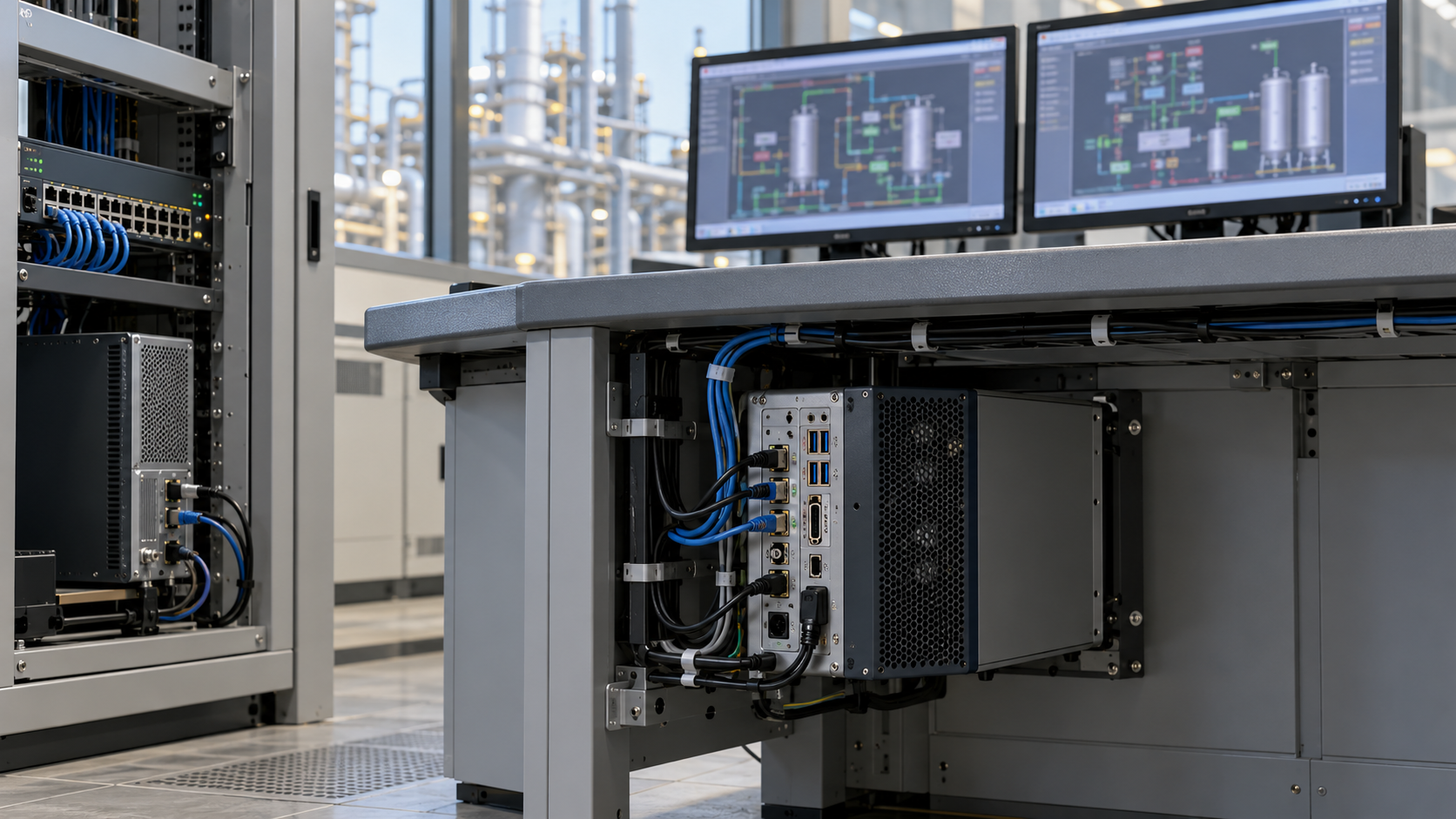
Featured image: AI-generated illustration of generic industrial workstations in a process control room. It does not depict a specific Emerson product or customer installation.
Related guides
View all guides
Machine Vision False Rejects: Check the Lighting Before the Camera
When a reflective part fails inspection, compare reference images before ordering a camera. Learn when to scope the light, controller or mounting instead.
Read guide
AMR Charging Faults: Is the Spare on the Robot or at the Dock?
When an AMR stops charging, distinguish the fixed dock from the vehicle battery. Use dock IDs and fleet events to scope the right replacement RFQ.
Read guide
Servo Drive Spares: EtherCAT Is Not the Encoder Interface
An EtherCAT drive can still be the wrong spare. Learn how to verify the motor encoder protocol, feedback cable and exact drive variant before ordering.
Read guide
CENTUM R7.02: An Estimate Is Not a Field Measurement
Yokogawa’s CENTUM R7.02 adds AI Estimation. See how to distinguish model outputs, transmitter readings and laboratory results before ordering a spare.
Read guideSend your part number, photos or nameplate.
Our team will verify, check availability, and reply with options within 24 hours.
[email protected]+86 18359268345WhatsApp