
Maintenance & RFQ Guides
Schneider Software-Defined MV Switchgear RFQ: What to Capture
A practical medium-voltage switchgear RFQ checklist covering lineup ratings, protection relays, control interfaces, retrofit boundaries, safety records and spare-part identifiers.
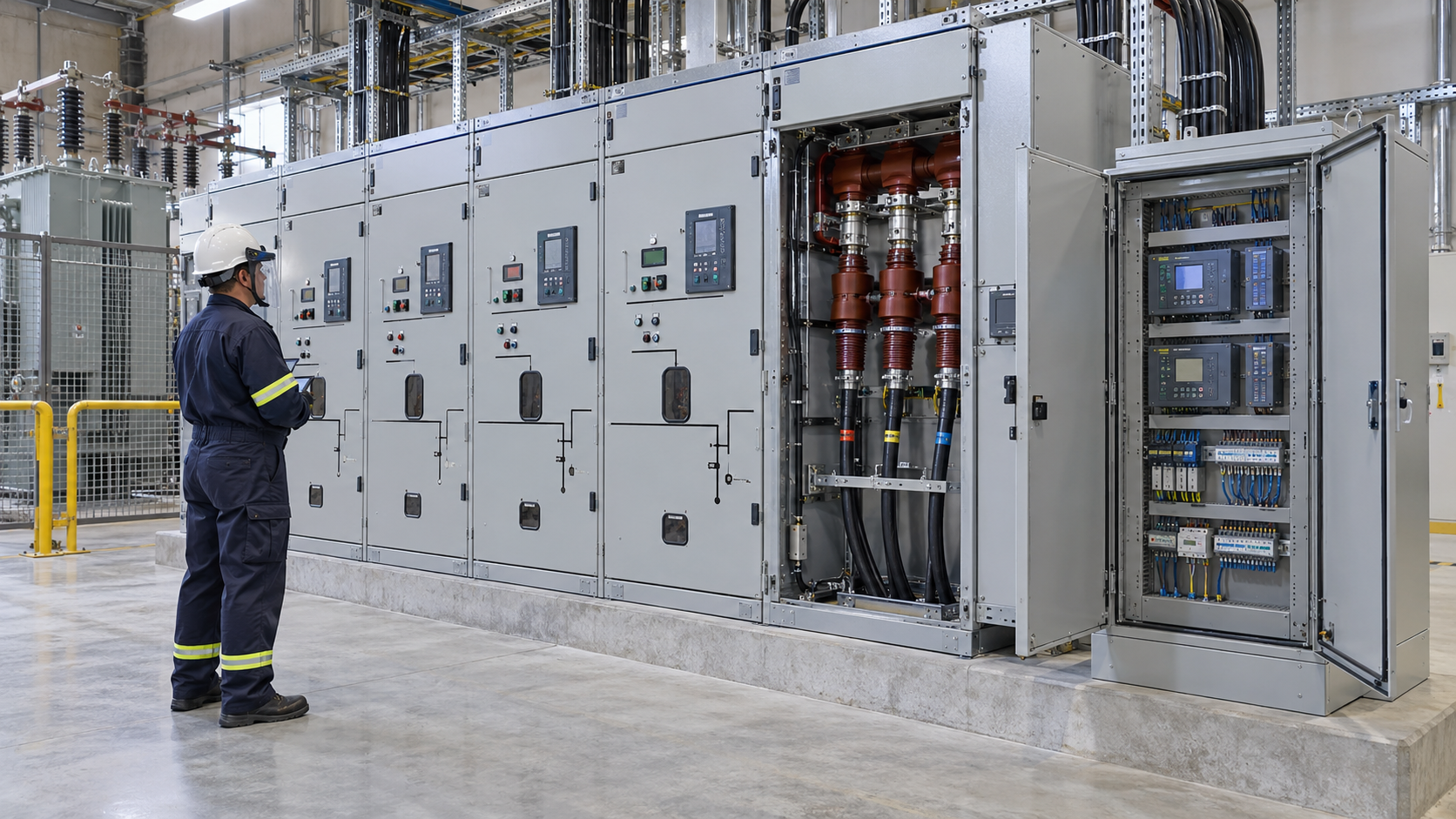
Schneider Electric announced on September 28, 2026 that it is extending a software-defined approach to medium-voltage switchgear, with the announcement focused on faster project execution, commissioning and future upgrades. For a maintenance or procurement team, the useful question is not whether a new architecture sounds modern. It is whether the installed switchgear, protection system, communication layer and site obligations have been identified well enough for a replacement or retrofit RFQ.
This guide turns the public announcement into a practical medium-voltage switchgear inquiry checklist. It does not confirm product availability, delivery, compatibility, certification or project suitability. Those points must be reviewed against the actual lineup, electrical study, protection settings and local requirements.
What Schneider Electric announced
Schneider Electric describes its new software-defined medium-voltage architecture as part of a broader Software Defined Energy vision. The company says the approach is intended to separate system intelligence from hardware and support more flexible lifecycle changes. The announcement also states that pilot programs continue through 2027, with broader availability to follow in 2028.
Read the official Schneider Electric announcement for the source context. Treat the dates and architecture statements as public information, not as a quotation or compatibility decision for an installed site.
1. Identify the complete switchgear lineup
A medium-voltage component cannot be evaluated from a cabinet photo alone. Record the switchgear family, lineup identification, section numbers, rated voltage, continuous current, short-circuit rating, frequency, bus arrangement and installation environment. Photograph the nameplates, rating plates and section labels at readable resolution.
- Manufacturer, switchgear family and lineup or project reference
- Rated voltage, current, short-time withstand and frequency
- Incoming, feeder, bus-tie and metering section arrangement
- Breaker or load-interrupter model, mechanism type and operating duty
- Panel position, cable compartment arrangement and site location
For a replacement breaker, mechanism, shutter, interlock or control assembly, include the exact section position. Similar-looking panels can have different bus positions, control wiring and mechanical interlocks.
2. Capture protection and measurement details
The protection relay and instrument-transformer data define the electrical behavior of the lineup. Include relay manufacturer, model, hardware revision, firmware version, protection functions, CT and VT ratios, wiring diagrams and the latest approved settings file where permitted.
For a relay, trip unit, auxiliary module or metering device inquiry, state whether the request is for a like-for-like replacement, a repaired unit, a configuration review or a modernization study. Provide the existing trip logic, intertrip signals, breaker-failure scheme and required event records. A device with the same enclosure dimensions may still require different settings, terminals or commissioning steps.
3. Document the control and communication boundary
Software-defined equipment still has a physical control and protection boundary. Record the local control voltage, terminal numbering, I/O list, protection-relay communications, gateway devices and the connection to the plant or substation automation system. Include the relevant network diagram and protocol information without exposing sensitive credentials.
Ask the supplier to identify which functions remain in the protection relay, which are handled by a controller or gateway and which depend on an upper-level SCADA or energy-management system. Clarify time synchronization, alarm priorities, event timestamps, user access and loss-of-communication behavior.
4. Separate retrofit scope from new-build scope
A new medium-voltage lineup and a retrofit inside an operating substation have different constraints. State whether the RFQ concerns a new section, replacement of an installed device, a spare for an existing lineup, or a staged modernization. Include outage windows, lifting and access limits, cable termination constraints and temporary-power requirements.
For a retrofit, attach the single-line diagram, as-built wiring drawings, protection coordination study and previous modification records. Identify any third-party relay, metering or SCADA equipment connected to the lineup. The scope should show who is responsible for engineering, testing, commissioning, arc-flash review and final approval.
5. Include safety, certification and site requirements
List the country, utility or plant standards, required enclosure and environmental ratings, seismic or corrosion requirements, arc-flash labeling obligations and inspection rules. For work around medium-voltage equipment, state the isolation, lockout and test-for-dead procedure that applies at the site. Do not treat a general product brochure as evidence that an installed configuration meets the project requirements.
Ask for the applicable test reports, drawings, manuals and configuration records for the exact quoted reference. If a substitute is proposed, require the supplier to identify every changed interface, rating, setting, certification or commissioning requirement before it is considered.
6. Build a useful spare-parts request
For a spare breaker, protection relay, control power supply, interlock, auxiliary contact block, fuse assembly or communication module, send the exact part number and revision from the installed unit. Add photos of labels, connector positions and the surrounding assembly. Include the reason for the request and whether the equipment is installed, held as a critical spare or being evaluated for a planned outage.
- Exact part number, revision and equipment serial reference
- Installed section or feeder position and single-line reference
- Condition required: new, repaired, refurbished or evaluation only
- Required configuration, settings, firmware or test documentation
- Site deadline, outage window and delivery or service constraints
Related NANKMOS resources
The Schneider Electric brand page provides a starting point for related automation references. The existing Schneider cabinet RFQ article covers adjacent power-distribution documentation questions. Use the industrial automation product catalog to organize identifiers, and send nameplate photos and drawings through the NANKMOS contact page.
Conclusion
Schneider Electric’s software-defined medium-voltage announcement points toward a longer lifecycle conversation, but an RFQ still starts with the installed electrical facts. Lineup ratings, breaker mechanics, protection settings, control wiring, communication interfaces, safety requirements and outage limits should be recorded separately. That evidence allows a supplier to review a replacement or modernization request without turning a future architecture announcement into an unsupported compatibility claim.
Source: Schneider Electric, “Schneider Electric unveils the world’s first fully Software-Defined Medium Voltage switchgear to accelerate the speed and scalability of AI factories,” September 28, 2026. Availability, condition, compatibility and suitability must be confirmed against current manufacturer documentation and the installed equipment.
Related guides
View all guides
Machine Vision False Rejects: Check the Lighting Before the Camera
When a reflective part fails inspection, compare reference images before ordering a camera. Learn when to scope the light, controller or mounting instead.
Read guide
AMR Charging Faults: Is the Spare on the Robot or at the Dock?
When an AMR stops charging, distinguish the fixed dock from the vehicle battery. Use dock IDs and fleet events to scope the right replacement RFQ.
Read guide
Servo Drive Spares: EtherCAT Is Not the Encoder Interface
An EtherCAT drive can still be the wrong spare. Learn how to verify the motor encoder protocol, feedback cable and exact drive variant before ordering.
Read guide
CENTUM R7.02: An Estimate Is Not a Field Measurement
Yokogawa’s CENTUM R7.02 adds AI Estimation. See how to distinguish model outputs, transmitter readings and laboratory results before ordering a spare.
Read guideSend your part number, photos or nameplate.
Our team will verify, check availability, and reply with options within 24 hours.
[email protected]+86 18359268345WhatsApp